Skip to content

Biton · Intelligent Asset Management
All your assets, inventoried and under control.

BitGPI brings your organisation’s assets together in a single database and follows them throughout their life: registration, labelling, location, transfers, maintenance and disposal. Manage them on the web and inventory them on site with the Android and iOS app.

Works with

  • Web
  • Android
  • iOS
  • Barcode and QR
  • Zebra UHF RFID
  • Excel
  • SAP

Inventory by location

Building A · Floor 2 · Room 2.04

Found5 of 6

AssetStatus
14" laptopBGP-000412Found · RFID
27" monitorBGP-000415Found · RFID
Ergonomic chairBGP-000431Found · QR
ProjectorBGP-000437Found · RFID
Fireproof cabinetBGP-000440Found · QR
Multifunction printerBGP-000452Not found
Room inventory closed5 of 6 assets found. The printer is pending review.

Update location

Building A · Floor 2 · Room 2.04

RFID reader connected

Illustration with fictitious data

If nobody knows where an asset is, it is not under control.

In many organisations the inventory lives in spreadsheets that are updated once a year. Assets move, are lent, repaired or disposed of without leaving a trace, and the inventory stops reflecting reality.

If nobody knows where an asset is, it is not under control.
Spreadsheet inventoryWith BitGPI
One spreadsheet per department or site, each with its own format and version.A single asset database, with the catalogue and fields your organisation needs.
Physical counts done by hand, on paper, with no record of who checked what.On-site inventory with the app: barcode, QR or RFID, with the result shown instantly on the web.
Transfers, loans and repairs that nobody records.Every transfer, assignment to third parties or handover for maintenance is recorded with its route and documents.
Disposals with no proposal or approval: the asset disappears from the list, but nobody knows why.Disposal proposal and acceptance, and asset operations with validation.
Labels that nobody controls: duplicated, lost or unassigned codes.Label ranges with their status: reserved, assigned, in custody or destroyed.

The web to manage. The app to take inventory.

Both work on the same data, with the same users and the same permissions. What is read in a room appears on the web; what is planned on the web reaches whoever is in the room.

BitGPI Web

Central asset management

In the browser, for administration, asset management teams and site managers.

  • Inventory with search, filters, grouping and card, list and table views.
  • Full asset record: fields by type, photos, documents, location history and relationships.
  • Hierarchical locations as a list, tree and map.
  • Transfers, assignments, maintenance and disposals with an approval workflow.
  • Bulk upload and export to Excel.
  • Users, roles, permissions and groups.

BitGPI App · Android and iOS

On-site inventory

On the phone or handheld of whoever walks the sites, warehouses and rooms.

  • Barcode and QR reading with the camera or a handheld scanner.
  • UHF RFID with Zebra readers on Android: bulk reading and proximity search for tags.
  • Location update for the assets read.
  • Asset registration with photos from the camera or gallery.
  • Optional offline mode to register and look up assets without coverage.
  • Transfers, tasks and maintenance from the device itself.

Same inventory, same users, same permissions and the same 4 languages on the web and in the app.

From registration to disposal, every step is recorded.

BitGPI covers the entire asset lifecycle, with traceability for control and decision-making.

  1. 01

    Registration

    Individual registration, copying a similar asset or bulk upload from Excel. Catalogue by nature, family, subfamily and type, with automatic coding.

  2. 02

    Labelling

    Label ranges with or without RFID, and relabelling when a label is lost or damaged.

  3. 03

    Location

    Hierarchical locations with a QR code per location, a map and inventory by location.

  4. 04

    Movements

    Internal transfers with their route (planning, in progress, in transit, completed), assignments to third parties and changes of operation.

  5. 05

    Maintenance

    Handovers for maintenance, repairs, assets on loan, tasks and quote requests with approval.

  6. 06

    Disposal

    Disposal proposal and acceptance, also in batches. Disposed assets can still be consulted.

Inventory is done where the assets are.

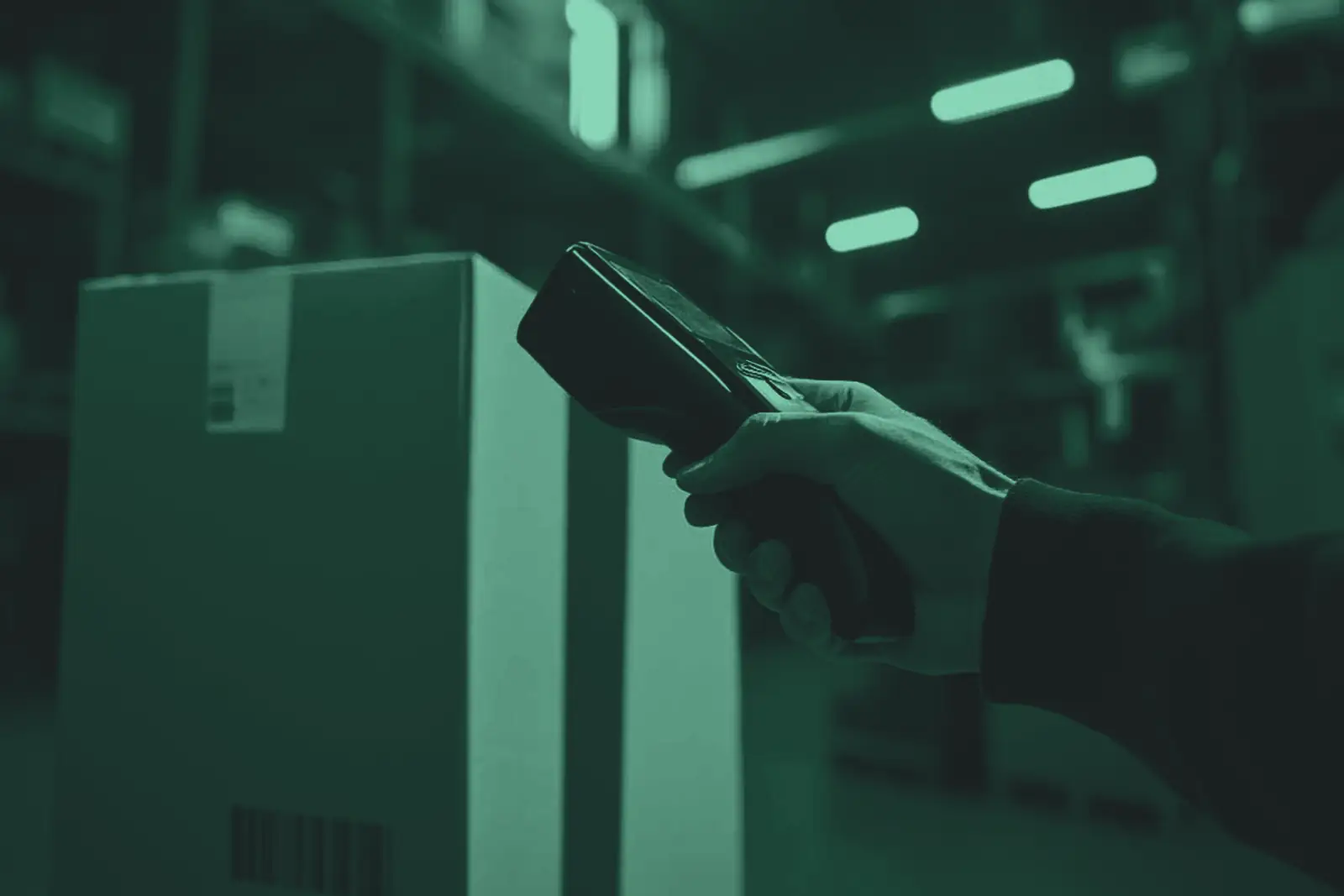
The BitGPI app turns your team’s phone or handheld into an inventory tool: read, check and update on the go, and the web sees it instantly.

  • Camera and scanner

    Barcodes and QR codes with the camera, or with a handheld scanner that types like a keyboard.

  • Zebra UHF RFID

    On Android, with Zebra readers: bulk tag reading and locating a single tag by proximity.

  • Offline

    Optional offline mode: register and look up assets without coverage, and sync when it returns.

  • Photos and 360°

    Asset photos from the camera or gallery, and 360° photos of locations.

New app, new identity

We are republishing the app under the BitGPI brand on Google Play and the App Store. If you used the previous app, Biton will tell you when to switch to the new one.

  • Coming soon onGoogle PlayComing soon
  • Coming soon onApp StoreComing soon

RFID requires a Zebra reader and is only available on Android.

Illustration with fictitious data

Everything an asset management department needs.

Modules are enabled according to each organisation’s needs, and the data model adapts to your asset catalogue.

  • Inventory

    Simple or multiple search, filters by catalogue, location and custom fields, and batch actions.

  • Asset record

    Dynamic fields by subfamily, photos, documents, history, relationships between assets and financial data.

  • Locations

    Hierarchical tree, map, QR code per location, 360° photo and packing lists in Excel.

  • Logistics

    Internal transfers, assignments, changes of operation and handovers for maintenance, with verification, photos and documents.

  • Asset operations

    Individual or batch validation of operations on assets.

  • Quotes and tasks

    Quote requests with an approval workflow, and assigned tasks.

  • Labels

    Ranges, RFID or non-RFID technology, and statuses: reserve, hold in custody or destroy.

  • Data upload

    Bulk upload from Excel of assets, locations, catalogue, reference lists, ranges and users.

  • Users and alerts

    Roles, permissions and groups, and email alert rules.

For organisations with dispersed assets that must be accountable.

BitGPI builds on Biton’s experience in asset management and fixed-asset inventory.

  • Public sector

    Public administrations and bodies

    Asset inventory with traceability of every registration, transfer and disposal, and proposal and approval workflows.

  • Business

    Multi-site companies

    A single inventory for offices, warehouses and centres, with hierarchical locations and transfers between them.

  • Operations

    Inventory and logistics teams

    Room-by-room counts with the app, bulk RFID reading and packing lists for relocations and transfers.

  • Finance

    Asset management and accounting

    Financial data and SAP indices in the asset record, and export to Excel for closing.

Each person sees and does only what they are meant to.

BitGPI adapts to your organisation: who can view, who proposes and who approves, and how it connects to your systems.

  • Permissions

    Users, roles, permissions and groups defined by the organisation.

  • Access

    Username and password, or sign-in with Microsoft Entra ID.

  • Integration

    Financial data and SAP indices, web services, and Excel upload and export.

  • Tailored to you

    Catalogue, fields and modules adapted to each organisation’s data model.

  • Access is created by an administrator: there is no open sign-up.
  • Assets can be locked so nobody modifies them during an operation.
  • Location history and a log of every asset’s movements.
  • Web and app in Spanish, English, Catalan and Portuguese, with light and dark themes on the web.

Part of a family of Biton products.

BitGPI shares its team, design and way of working with the other solutions Biton is building for asset management, financial information and organisations’ day-to-day work.

What people usually ask us.

What is BitGPI?

Biton software for managing the assets and inventory of any organisation. It has two parts: a web application to manage assets and an Android and iOS app to inventory them on site.

How is it contracted?

With Biton, under contract: there is no online sign-up or payment. Biton configures your catalogue and modules, uploads your data and gives each person their access.

Can I bring my current inventory?

Yes. Assets, locations, catalogue, reference lists, label ranges and users can be bulk uploaded from Excel.

What do I need to read RFID tags?

An Android device with a Zebra UHF RFID reader. On iOS and the web you work with barcodes and QR codes.

Does the app work offline?

Yes, with the optional offline mode: it lets you register and look up assets without coverage and sync them later. Other operations need a connection.

Does it integrate with SAP or other systems?

The asset record can show financial data and SAP indices, and BitGPI integrates with other systems through web services. The scope is defined in each project.

Why is the app changing in the stores?

Because the app is being published under its new brand, BitGPI, with a new identity on Google Play and the App Store. Biton will let each customer know when to install the new one.

Which languages is it available in?

The web and the app are available in Spanish, English, Catalan and Portuguese.

How does BitGPI differ from CoreAsset?

Both are Biton products, but they cover different needs. BitGPI is the complete asset management platform for organisations that need to control the entire asset lifecycle —catalogue by nature, family and subfamily, hierarchical locations, transfers, assignments, maintenance, disposal workflows, labels with UHF RFID with Zebra readers on Android and SAP integration—, whereas CoreAsset is designed for field asset inventory, review and control projects, online or offline.

Bring your assets under control.

Tell us how many assets you manage, where they are and how you take inventory today, and we will show you BitGPI with a case similar to yours.

How we get started

  1. 1We talkTell us about your assets, your sites and who manages them.
  2. 2DemoWe show you the web and the app with a catalogue similar to yours.
  3. 3Roll-outWe configure the catalogue and modules, upload your data and hand over access.

Already using BitGPI?

For questions or issues with the web or the app, contact support.

Go to support